
QR Codes and Interactive Sign Design
Interactive signage should make the customer’s next step easier. If the technology is only there to look innovative, it usually weakens the sign instead of improving it.
Key takeaways
- Interactive sign elements work best when they remove friction, not when they add novelty for its own sake.
- For many Sacramento businesses, simple QR links, mobile actions, and lightweight digital layers are more useful than expensive hardware.
- The sign still has to work as a sign even if the interactive feature is ignored or temporarily unavailable.
- Maintenance, content updates, and user hesitation should be considered before adding any interactive feature.
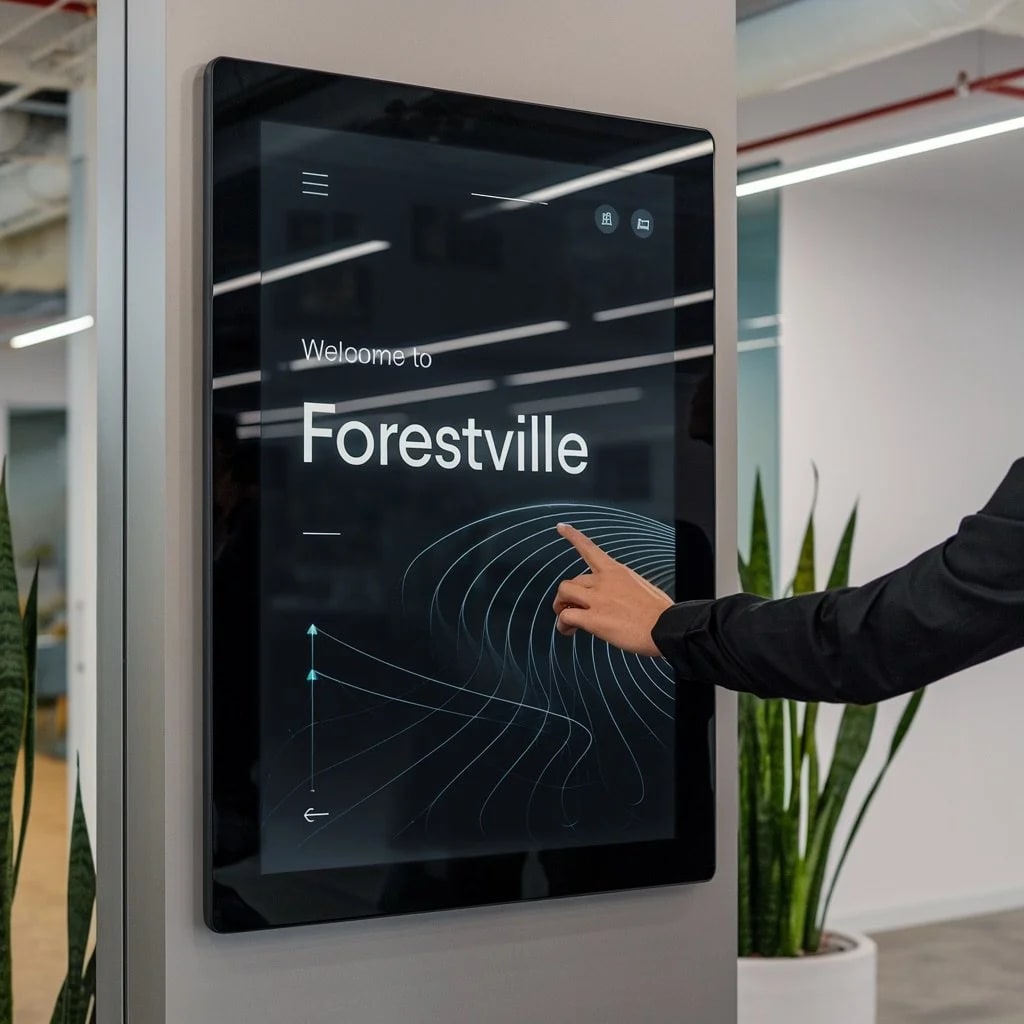
Interactive signage sounds exciting because it suggests movement, engagement, and novelty. But in practice, the best interactive sign elements are often the least flashy. They help the customer take the next step faster: scan the menu, find the suite, book the appointment, register for the event, or get more detail without hunting for it somewhere else.
For Sacramento businesses, that is the useful way to think about interactivity. The feature should reduce friction. If it does not, it is probably just decoration with maintenance attached.
Start with the customer task
The first question should be: what does the person standing in front of this sign need next? If the answer is “more information,” “a quick link,” or “a faster self-service action,” then an interactive layer may help. If the sign’s job is already complete without it, adding technology can actually weaken the experience.
Interactive design is strongest when it supports a real task instead of trying to manufacture engagement.
Simple interaction often beats expensive interaction
For many businesses, the most effective interactive element is still a well-handled QR code or similar mobile handoff. That is because it uses the device customers already have and avoids the installation, service, and hardware complexity of larger digital systems.
Restaurants, clinics, event spaces, property managers, and showrooms can often get meaningful value from these lightweight interactive layers without turning the sign into a technology project.
Touchscreens only make sense when browsing or wayfinding is the job
Touchscreens are useful when the customer actually needs to search, navigate, or explore. Directories, self-service check-in, product browsing, and certain museum-style or campus settings can justify that investment. But if the sign only needs to communicate one message, a touchscreen is usually too much machinery for too little benefit.
That is why the hardware should follow the interaction need, not the other way around.
The sign still has to work without the tech
This is one of the most important rules. A sign with an interactive feature should still communicate something useful even if nobody scans it, taps it, or engages with it. If the entire message collapses when the digital layer is ignored, the sign has stopped doing its primary job.
Good interactive signage keeps the base communication intact and lets the extra layer deepen the experience.
Maintenance is part of the design decision
Any interactive feature brings upkeep. Links change. Content gets outdated. Screens need service. Devices fail. Customers hesitate to touch public hardware. These are not side issues. They are part of the design reality from the start.
If the business does not have the discipline to maintain the interactive layer, a simpler system is usually the better choice.
Where this works well in Sacramento
Locally, interactive elements tend to make the most sense in places where people need one extra action: scan a menu, find a building entrance, access a product list, register for an event, or get more information after hours. In those cases, the interactive element helps bridge the gap between a physical sign and a digital response.
That is very different from putting a screen or code on a sign simply because the technology exists.
The practical standard
Interactive signs should feel more useful than impressive. If the added feature makes the next customer action faster, clearer, or more convenient, it is working. If it only makes the sign more complicated, it is probably the wrong layer.
If you want to add QR links, digital layers, or interactive sign elements to a Sacramento business environment, start your project. We can help decide whether the interaction actually improves the sign or just adds extra moving parts.
FAQ
What is the simplest interactive element to add to a sign?
Usually a well-placed QR code linked to something genuinely useful, such as a menu, booking page, product details, or event registration. It is simple, inexpensive, and easy for customers to use.
When do touchscreens actually make sense?
They make sense when the sign needs to help people browse, search, or navigate in a meaningful way, such as directories, self-service information stations, or product kiosks.
Should every business add interactive tech to its signs?
No. If the sign’s job is already simple and direct, adding technology can complicate the experience rather than improve it.
What should businesses plan for before using interactive signs?
They should plan for content maintenance, device reliability, how customers will actually use the feature, and what happens if the interactive element is temporarily unavailable.